CRM migration checklist: a safe transition without data loss
A complete checklist for switching CRM systems: data cleanup, test migration, integrations, training, go-live and result verification.
By Η ομάδα της Argonstack, TechIns Group
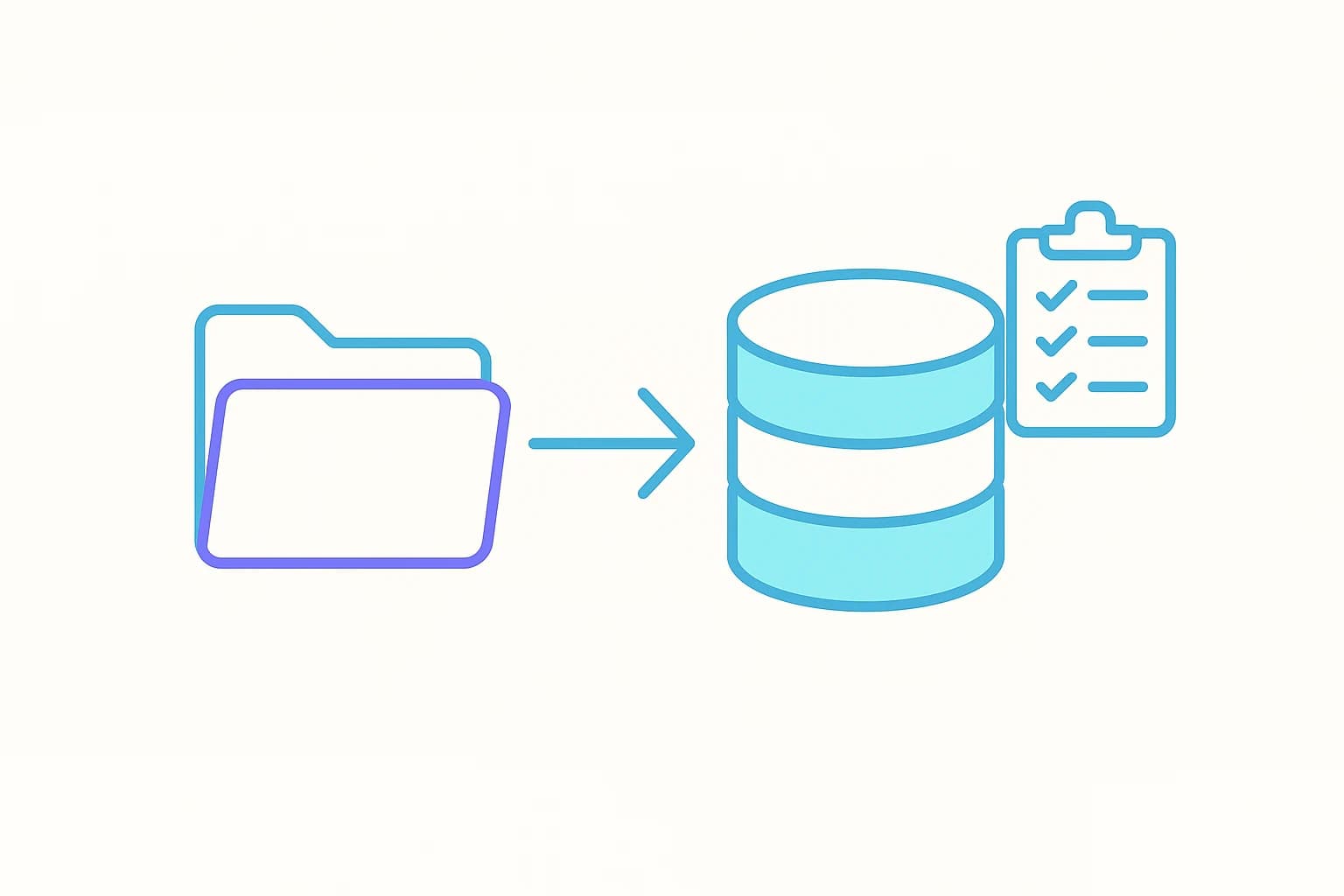
Switching CRM systems is not a simple copy-paste of contacts from one file to another. It is a migration of data, processes, integrations and everyday habits. If done in haste, a business can lose history, ownership records, consent information and the team's trust.
A proper migration begins before the new system is even purchased. You need to know what data exists, what is actually needed, and how you will verify that it transferred correctly.
1. Assign an owner and define the scope
Assign one person from the business who can make decisions. Document which teams, pipelines, countries and time periods are included. Separate what must move at the first go-live from what can remain archived.
Without a defined scope, the migration balloons as every department asks for its entire history to be transferred without evaluating whether it is actually used.
2. Build a data inventory
Document every source. The old CRM, spreadsheets, email tools, forms, ERP, calendars, telephony systems and salespeople's personal files may all contain different versions of the same customer.
For each source, note the owner, format, volume, quality, last update, and whether it includes personal or sensitive data.
3. Decide what will be migrated
Not everything needs to be transferred. Set rules for active customers, open opportunities, recent communication, contracts and essential history. Old or questionable data can be kept in a controlled, read-only archive, provided there is a lawful reason for retention.
Migrating unnecessary records increases cost, duplicates and the difficulty of user adoption.
4. Clean and standardize
Remove obvious duplicates, fix phone number formats, validate emails, standardize countries and cities, and agree on common values for status, source and industry.
Do not automatically merge records just because they share the same name. Use a combination of email, phone, company and other identifiers. Keep a log of merges so they can be reviewed later.
5. Map the fields
For every field in the old system, define the corresponding field in the new Argonstack CRM. Record the data type, allowed values, whether it is required, and who owns it.
Pay particular attention to dates, currencies, multi-select fields, relationships, notes and attachments. Do not convert important structured data into one large text field just to finish the import quickly.
6. Preserve ownership and consent
Every customer and opportunity must be linked to the correct user or team. If a former user no longer exists in the new system, define a reassignment rule.
Consent details and communication preferences must be transferred with precision. If the source or timing of consent is unknown, do not invent a value. Flag the uncertainty and seek legal guidance. If a data processor is involved, review the corresponding Data Processing Agreement.
7. Plan the integrations
Document which system is the source of truth for each type of data. For example, the ERP may be the primary source for invoices, while the CRM is the primary source for leads. Define sync direction, frequency, unique IDs and conflict-handling behavior.
Every integration needs monitoring. The absence of a visible error does not mean the data is syncing correctly.
8. Run a test migration
Migrate a representative sample. Include simple and complex records, attachments, different owners and older history. Ask real users to review the records inside the new environment.
Measure record counts before and after, gaps in required fields, duplicates, failed imports and the accuracy of relationships.
9. Define the freeze and cutover
Decide when changes to the old CRM stop and how new records will be handled during the transition. Define an exact window for export, import, validation and activating integrations.
You need a rollback plan. If a critical check fails, it must be clear whether the business temporarily reverts to the old system or extends the freeze.
10. Train by role
Salespeople need their daily actions. Managers need pipeline, reports and quality control. Administrators need users, fields, imports and basic troubleshooting.
Training should use real scenarios rather than a generic walkthrough of every feature. The typical timeline of a CRM implementation shows where training fits into the overall project.
11. Verify after go-live
In the first days, monitor logins, creation of new records, completeness, integrations, failed jobs and support requests. Compare critical totals against the old system.
Set a formal acceptance date. Until then, the old system and its exports must remain available according to the agreed plan.
12. Properly close the old system
Export a final archive, documentation and any required audit information. Remove access, cancel integrations and subscriptions only after the new setup is confirmed to be working. Apply the retention and deletion policy.
Do not leave the old CRM active without an owner. It creates a second source of truth and increases the risk of unauthorized access.
Success criteria
A migration is considered successful when critical records have been transferred, relationships and owners are correct, integrations work, users can perform their core tasks, and there is a controlled record of anything that was not migrated.
Argonstack organizes CRM migrations with mapping, test import, validation and a controlled go-live. The exact plan depends on the sources, volume, quality and data retention requirements.
Next step
Plan your migration with a test import, validation and a rollback plan.
Frequently asked questions
Do we need to migrate all emails and attachments?
Not necessarily. Consider usefulness, cost, technical feasibility and the lawful retention period. You may choose to migrate only recent or critical history.
How long does a CRM migration take?
It depends on the sources, volume, quality, relationships and integrations. Cleanup and verification usually take longer than the technical import itself.
Who approves that the data is correct?
The business owner and representatives of the actual users. The technical provider can verify the migration, but does not always know the business meaning of every record.
When do we decommission the old CRM?
Only after validation, production operation, a final export and the agreed safety period are complete.